 WOW Legends
Both addons are free and open-source (MIT), built on the stock WotLK 3.3.5a UI with no external libraries. Every command sits one click away with input fields and dropdowns right beside it — and the two share one look and feel, so they play like a single product. Works on our demo realm and on any server running the WOW Legends repack.
An in-game GM toolkit for running your realm: the whole AzerothCore command set plus the WOW Legends-exclusive features, every one a click away. Open it with the crown button by the minimap, or type /wlgm.
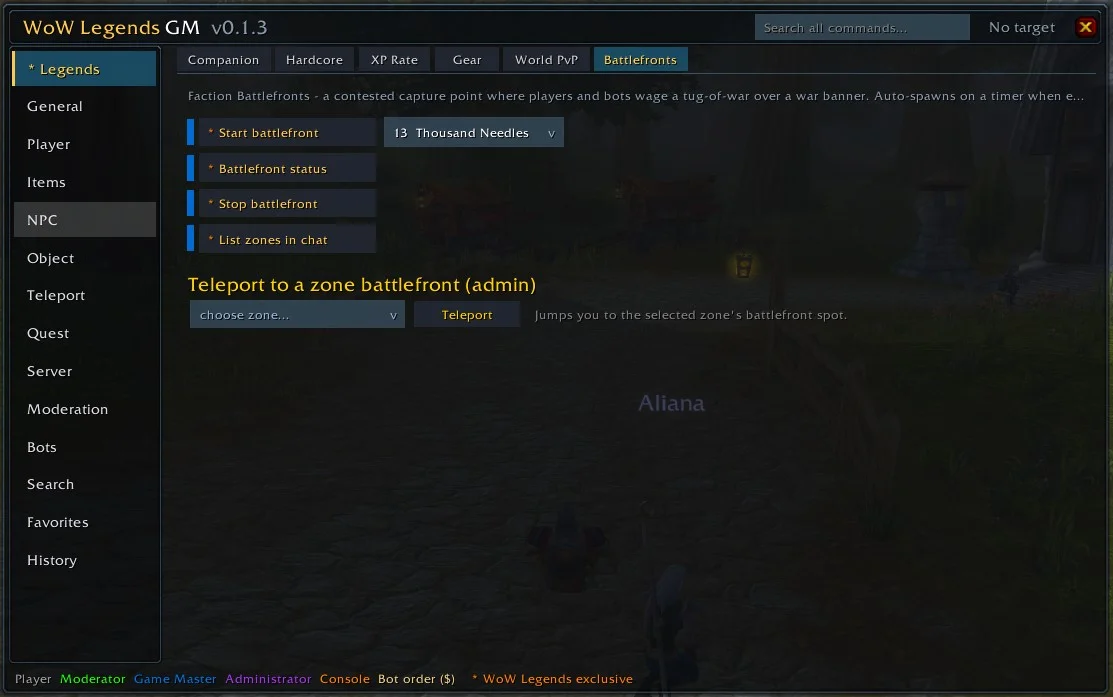
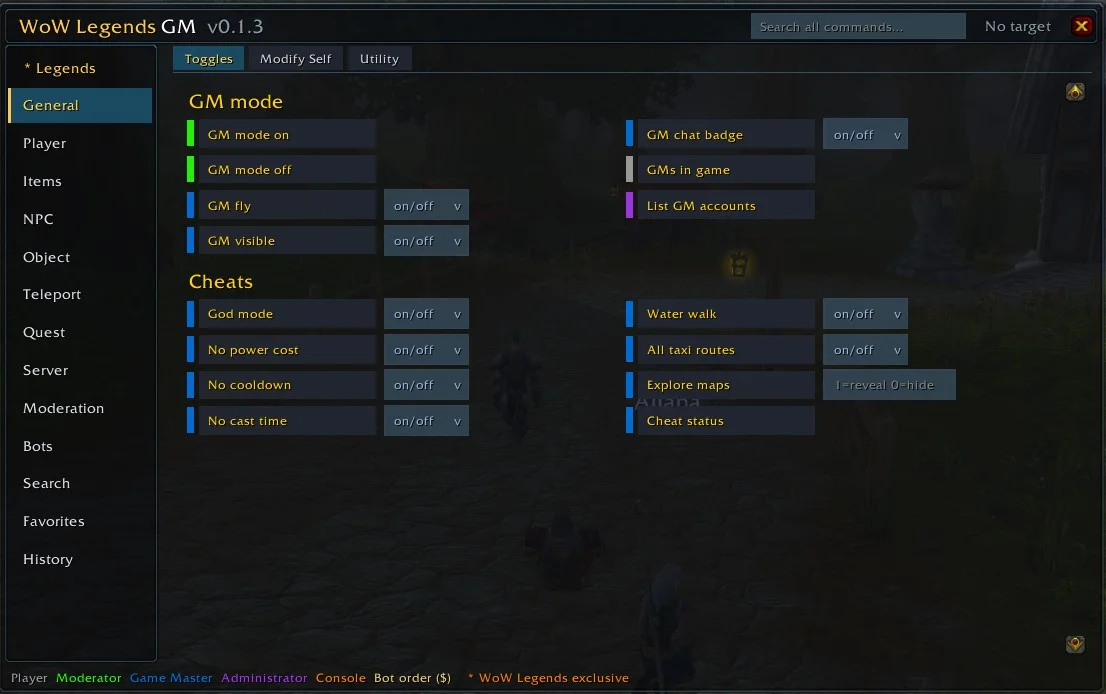
/wlgm. The addon only sends commands — a GM command still needs the GM level it requires.
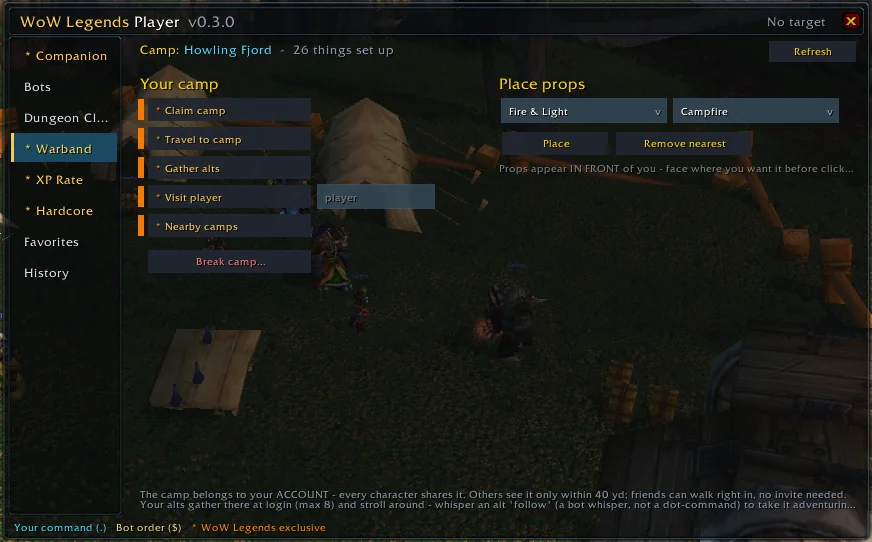
A toolkit for every player — no special permissions, nothing elevated. Build and command a party of AI bots, set their roles, run dungeons, tune your own XP rate, manage your Companion and opt into Hardcore. Open it with the button by the minimap, or type /wlp.
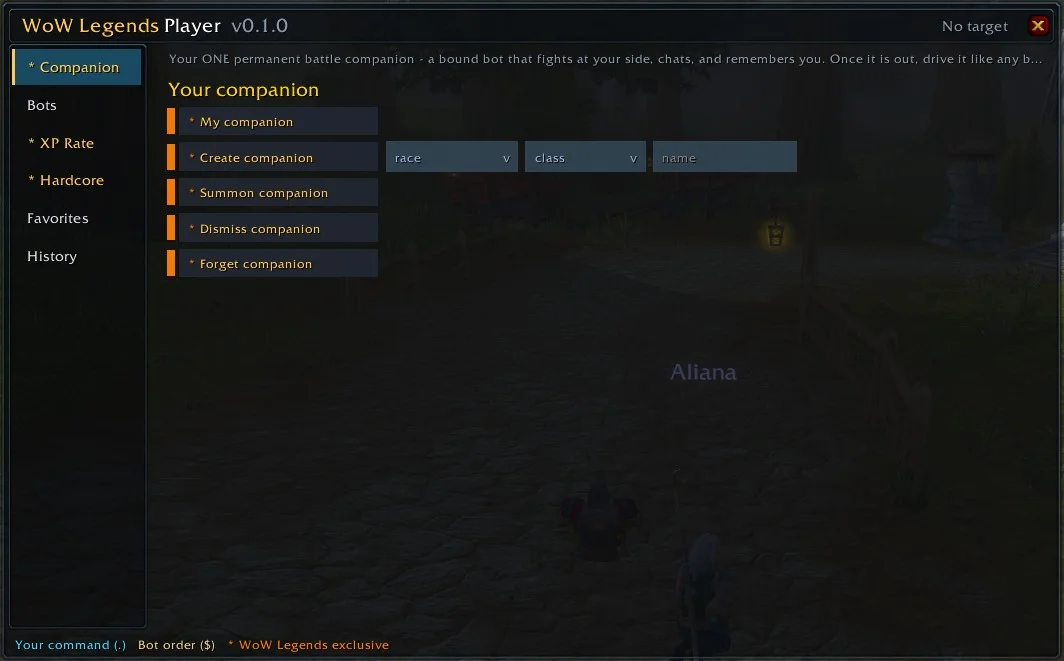
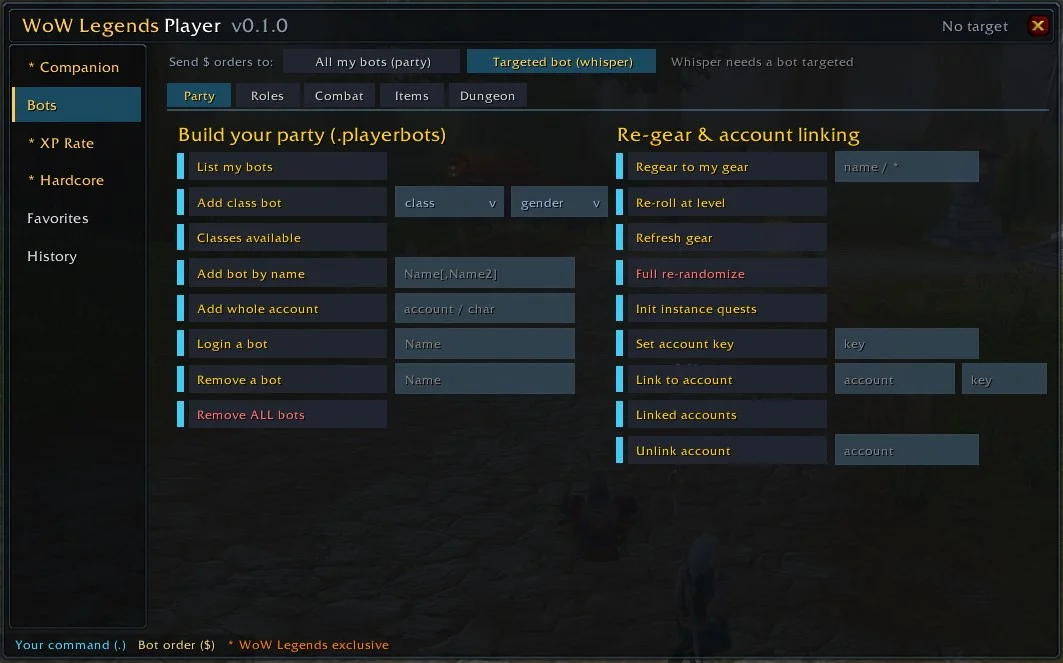
Same routine for both — they're plain WotLK 3.3.5a addons.
Grab the release .zip and extract the addon folder into your client's AddOns directory:
World of Warcraft\Interface\AddOns\
The path …\AddOns\WoWLegends_GM\WoWLegends_GM.toc (or WoWLegendsPlayer\) must exist.
On the character-select screen open AddOns and tick it on. Log in, then click the button by the minimap — or type /wlgm (GM) or /wlp (Player).
Two kinds of command, handled for you. WOW Legends bots take dot-commands (.companion create …, sent as a chat line) and bot orders ($follow, $attack — whispered to a bot, or said in party for all of them). The addons send each one correctly, so you never have to remember which is which — and a plain whisper to a bot is still just AI chat.
Open-source, no libraries, made for the WOW Legends repack. Run your realm and command your bots without typing a single slash command.